
Remini AI: Powerful Ways to Stimulate Nostalgic Images 2026
Remini AI
Just Now
23 MB
Latest Version
All Devices
1087k

Description
About Remini AI
Nostalgic pictures are part of the beautiful memories of our lives. Childhood, family, friends and life in these pictures. Remembrance moments are preserved. But alot of pictures should be blurred, damaged or low-quality over time. They go. Fortunately, with the help of innovative artificial intelligence (AI), now pre-improve these photos gone easter.
Remini AI Photo Enhancer is a popular app to improve the quality of photos with the help of Artificial Intelligence Helps define details and make fading photos look clearer. In this article we Remini Advantages, how to download it, how to improve photos and get great outcomes Gotta know the tips.
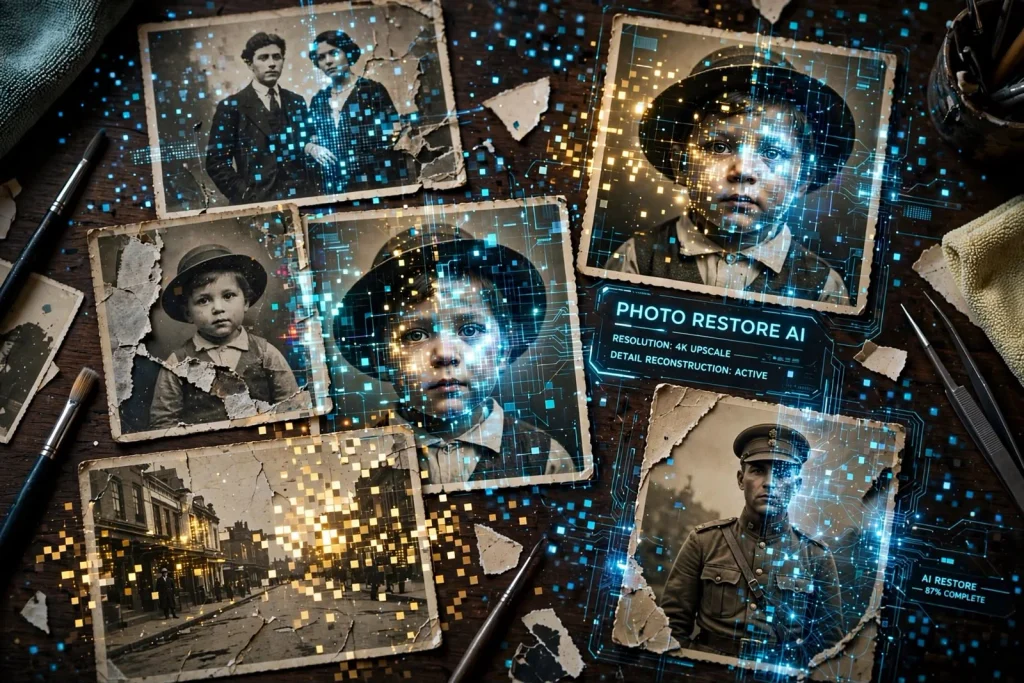
Remini What Is A.I?
Remini is an AI based photo and video editing app. These are photos using artificial intelligence. Definition, tries to improve facial details and gross quality.
This app is specially for reimproving nostalgic photos, faded portraits, low-resolution photos and family memories. Might be useful. However, it’s important to keep in mind that AI every picture Cannot fully restore the original state. Sometimes it also creates such facial details It’s that don’t define the original image.
The best benefits of using Remini AI.
1.Improve old photos
Remini AI biggest benefit is helping to make old and faded photos more clearer giving faces details may better through and recoived old memories Can go.
2. Define facial details
Remini AI should make them look better if the eyes, hair or other facial descriptions don’t define in a picture Tries. This feature is especially useful for old family portraits.
3. Prepare photos for social media
You can improve your photos and share it on Facebook, Instagram and other social media platforms A better picture can make your post more beautiful.
4. Preserve precious memories
Pictures in old family albums aren’t often possible to regain. Enhance their digital copy You can keep them safe and share with your family.
How to download the Remini AI app?
Always use the official app store to download Remini.
How to download on Android mobile
open google play store in your mobie.
Write Remini AI Photo Enhancer in the search bar.
Check app name and developer details.
click the install button.
Open the app once the installation is complete.
How to download on iphone
Open an app store in your iPhone.
Search Remini AI Photo Enhancer.
Confirm the official app.
Click the Get button.
Start using the app after it’s installed.
You can also visit Remini’s official website like apkrandi.com Download APK Files from Unknown Websites Avoid doing, because they can have harmful software.
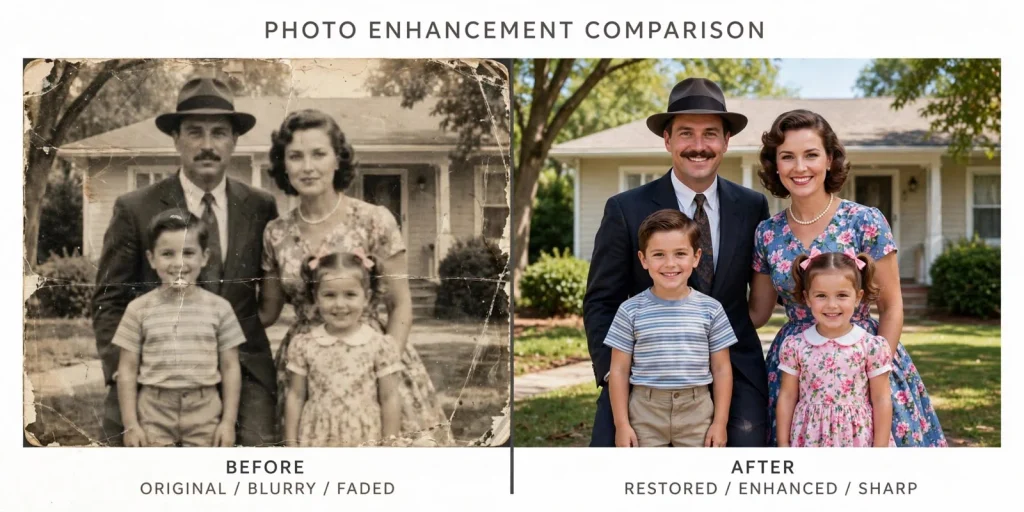
How to better photos than Remini?
If you’d like to improve your old photos, follow the simple steps below.
1: open Remini app
open the Remini app in to your mobile. To use some features, or signing you in. Required.
2: Choose your photo
Select Image Improvement Feature and open the image from your gallery. Original image for better outcomes Use the cleanest and highest-quality copy.
3: use anhensument
Select Image Enhancement Option and let the App process the Image. AI Image Description And will try to improve facial details.
4: Check Result
Compare the original and enhanced photo. See if the face looks natural or not I didn’t have any unnecessary changes.
5: Save Image
If you like the outcome, a photo is saved to your mobile via save or download option Some features may require a payment.
useful tips for better outcomes
Follow these tips to get the best outcomes from Remini:
Use a good quality image: A clean image helps to achieve better results.
keep pic lights correct: take care of light and focus while scaning princed photo.
avoid much editting: more change makes the face unreal.
Protect the original photo: Create a separate copy of the image before editing.
Compare Result: Check the face and other details before reserving the photo.
Take care of privacy: Read the app’s Privacy Policy before uploading personal photos.
check subscription: See its price and terms before enabling any pad plan.
Is Remini AI free?
Remini AI: Some free features may be available in Remini AI, while some innovative features require a paid subscription. Free Usage Limits, Ads and Prices may vary according to time and region.
Be sure to check the latest price and payment terms in the app before purchasing a subscription.
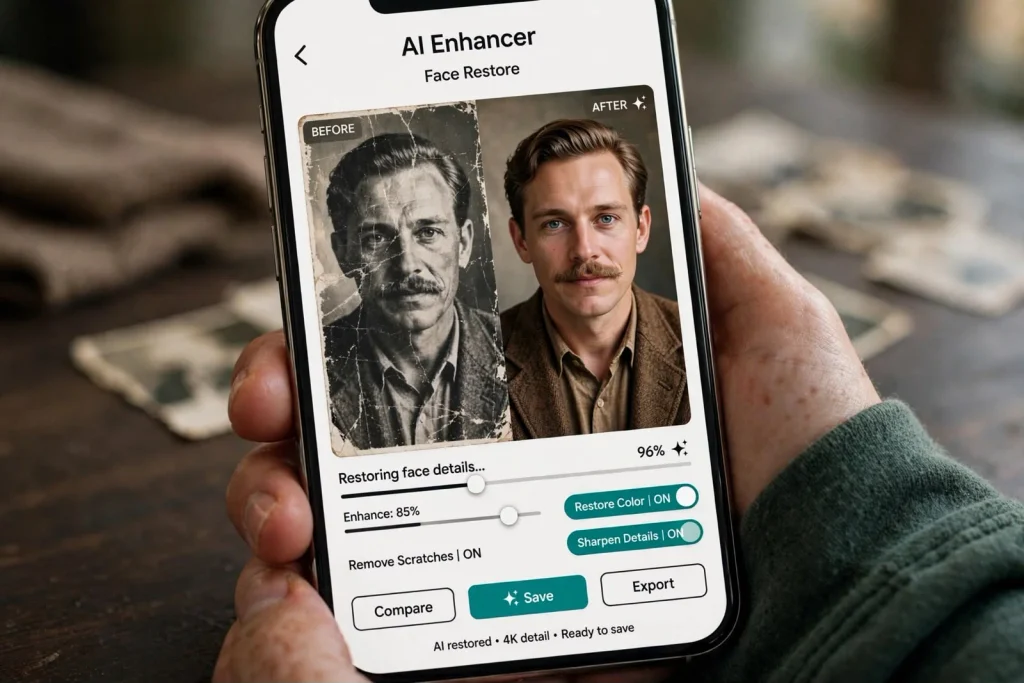
Result
Remini AI is an easy and useful source to improve vintage, fading and low quality photos. You can better define your faces, get your photos ready for social media. Can and preserve precious family memories.
Download the official app for the best outcomes, select the original picture of good quality and optimized Thoroughly check before preserving the image. Although AI each photo is fully restored. Doesn’t guarantee to do, but it helps give your nostalgia a new and beautiful look. can.
Download links
How to install Remini AI: Powerful Ways to Stimulate Nostalgic Images 2026 APK?
1. Tap the downloaded Remini AI: Powerful Ways to Stimulate Nostalgic Images 2026 APK file.
2. Touch install.
3. Follow the steps on the screen.