
XL Injector APK Download full Guide and Best Features 2026

Description
Introduction to XL Injector
Mobile internet has become an important part of everyday life. People use smartphones for communication, education, entertainment, online shopping, and business activities. A stable internet connection makes these activities easier, but sometimes users experience connection problems, network restrictions, or privacy concerns. This is why VPN and internet tunneling applications have become popular among Android users. XL Injector is a name associated with injector-style internet configuration tools that users may search for when looking for custom network connections. These tools generally work with VPN servers, proxy settings, SSH connections, and different tunneling methods. In this guide, we will explore the concept of XL Injector, its possible features, configuration methods, benefits, limitations, and important security considerations.
What Is XL Injector?
XL Injector is a name used in searches for mobile internet injector and VPN configuration tools. Such applications are generally designed to help users establish customized internet connections through supported servers and network protocols. Depending on the particular application, users may be able to configure proxy details, SSH accounts, SSL connections, and other network settings.
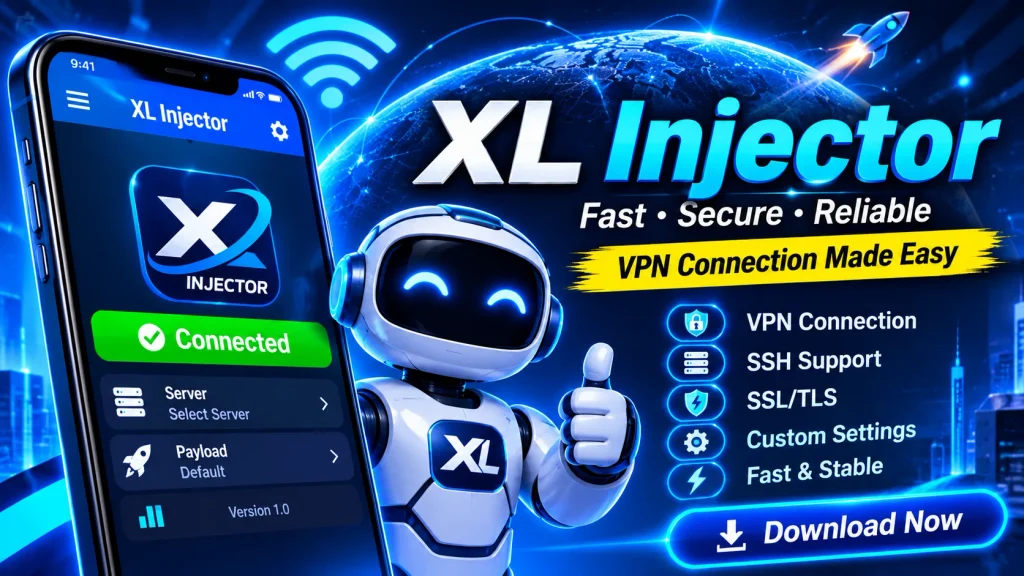
One important thing to understand is that different applications and configuration files may use similar names. Therefore, users should check the actual developer and official application listing before downloading anything. XL Injector should not automatically be considered the same application as HTTP Injector or another VPN service.
How Does XL Injector Work?
Injector applications work by creating a connection between an Android device and a remote server. Instead of sending internet traffic directly through the normal network route, the application can use a supported tunneling protocol to transfer data through another connection.
For example, some injector tools support SSH, SSL/TLS, HTTP proxy, and other networking technologies. The selected method depends on the application’s capabilities and the server configuration. When the settings are correct, the application attempts to establish a connection and route supported internet traffic through that tunnel.
Main Features of XL Injector
The available features depend on the exact application and its developer. Common features found in injector-style VPN tools include custom server configurations, proxy support, connection monitoring, and encrypted tunneling.
Some applications also provide additional tools for managing DNS settings and selecting which mobile applications use the VPN connection. These options can make network management more flexible for users who understand basic internet configuration.
VPN Connection Technology
VPN technology creates an encrypted connection between a device and a VPN server. It can help protect internet traffic while using public Wi-Fi networks and reduce the exposure of information to people monitoring the local network.
Some injector applications combine VPN functionality with additional tunneling protocols. However, the level of protection depends on the protocol, server provider, and application security. A VPN does not automatically make every online activity completely anonymous.
SSH and SSL Support
SSH and SSL/TLS are important technologies used in several internet tunneling applications. SSH provides an encrypted communication channel between a client and a server. SSL/TLS helps protect information while it travels between supported network endpoints.
When an injector application supports these technologies, users may be able to enter the required server information and connection credentials. These settings must match the server provider’s instructions.
Custom Configuration Settings
Custom configuration is one of the main reasons people use injector applications. Instead of depending entirely on default settings, experienced users can enter their own server information and connection details.
Depending on the application, configurations may include server addresses, ports, usernames, passwords, proxy information, and connection protocols. Users should only import configuration files from sources they trust because unknown files may contain unsafe or unwanted settings.
Payload and Proxy Settings
Payload and proxy settings are commonly associated with HTTP-based injector applications. A payload contains information used to format or route a connection request through a supported proxy or server.
A proxy acts as an intermediary between the device and an online destination. Correct configuration is important because incorrect proxy information can prevent the connection from working. Users should follow the instructions supplied by their network administrator or legitimate VPN provider.
Android Compatibility
Android compatibility depends on the exact application version, device software, and required networking components. Before installation, users should check the minimum Android version and the application’s supported features.
Some modern VPN applications support recent Android versions and multiple connection technologies. However, this does not mean every application using the XL Injector name offers the same compatibility.
User Interface and Navigation
A good injector application should make its main functions easy to understand. Users generally need access to server settings, configuration imports, connection controls, and connection status information.
A simple interface is particularly helpful for beginners who have never used SSH or VPN settings. Clear error messages can also make troubleshooting easier when a server is unavailable or connection details are incorrect.
How to Download XL Injector
Downloading an application from a trusted source is important for device security. Before downloading an APK file, verify the application name, developer identity, version information, and available permissions.
Follow these general steps:
- Search for the exact application name.
- Find its official developer website or verified app-store listing.
- Check the application details and supported Android versions.
- Review its privacy policy and permissions.
- Download the application from the verified source.
Avoid websites that display misleading download buttons, unknown APK files, or suspicious payment requests.
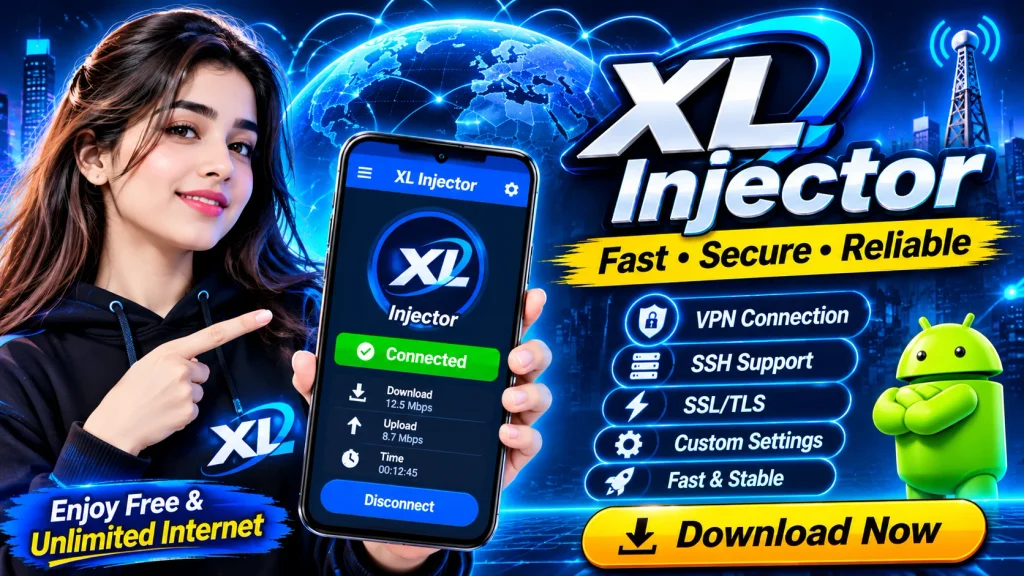
How to Install the Application
After downloading a verified APK file, open it through your Android device’s file manager. Follow the installation instructions displayed on the screen. If Android blocks installation, check the device’s security settings rather than automatically allowing every unknown source.
Once installation finishes, open the application and review the available options. Only grant permissions that are necessary for its advertised functions.
How to Configure XL Injector
Configuration is an important step when using an injector-style VPN application. Depending on the software, users may need to enter server information or import a configuration file.
A typical setup may involve selecting a supported connection protocol, entering the server address, adding the required authentication information, and choosing the appropriate proxy settings. Always use legitimate configuration details provided by a trusted server administrator.
Incorrect information can cause authentication errors, connection failures, or unexpected network behavior.
How to Connect to a VPN Server
After completing the required configuration, users can select the available connection option. The application may display a connection status showing whether the tunnel is connecting, connected, or disconnected.
A successful connection should be verified through the application’s status information and a trusted IP-checking service. If the connection does not work, check the server status, internet connection, and configuration details before trying again.
Benefits of Using XL Injector
Injector-style VPN tools can offer several useful advantages when properly configured. They give experienced users greater control over connection settings and allow them to work with different supported server technologies.
Other potential benefits include encrypted connections, custom proxy management, and flexible server selection. These features can be useful for network testing, remote access, and privacy-conscious browsing.
However, the actual benefits depend on the specific application and service provider. No injector application can guarantee free internet, unlimited data, or faster speeds on every network.
Possible Limitations
Like other networking applications, XL Injector-style tools may have limitations. Some configurations stop working when a server changes its settings or becomes unavailable. Free servers may also experience heavy traffic, slow speeds, or frequent disconnections.
Beginners may find SSH credentials, ports, and proxy settings confusing. Some applications may also contain advertisements or require paid services for additional features.
Understanding these limitations can help users make better decisions before installing an application.
Internet Security and Privacy
Security should always be a priority when using third-party VPN applications. A VPN provider may handle sensitive internet traffic, so choosing a trustworthy service is essential.
Never share personal passwords or banking information with unknown configuration providers. Avoid suspicious APK downloads and review the application’s privacy policy. Remember that a VPN does not protect against every online threat, including phishing websites, malicious applications, and unsafe passwords.
Common Connection Problems
Users may experience several connection problems while using injector applications. The most common reasons include incorrect server details, expired accounts, unavailable servers, and unstable mobile internet.
If the connection fails, try these troubleshooting steps:
- Check whether mobile data or Wi-Fi is working.
- Verify the server address and port.
- Confirm that the account credentials are correct.
- Check whether the configuration file is still valid.
- Restart the application and reconnect.
- Contact the legitimate server provider if the problem continues.
These basic checks can help identify many common networking issues.
Tips for Better Performance
A reliable internet connection depends on several factors, including server distance, network quality, server capacity, and the selected protocol. Choosing a stable server with reasonable latency may improve browsing performance.
Keep the application updated through its verified distribution source. Avoid using multiple VPN applications simultaneously unless the software specifically supports that setup. You should also monitor battery usage and close unnecessary background applications.
Frequently Asked Questions
1. What is XL Injector used for?
XL Injector is associated with custom internet configuration and VPN tunneling searches. Its exact functions depend on the particular application.
2. Is XL Injector available for Android?
Android availability depends on the exact application. Check its verified developer listing for supported devices and operating system requirements.
3. Does XL Injector provide free internet?
A VPN injector does not automatically provide
Conclusion
XL Injector is a search term associated with injector-style VPN and internet configuration tools. These applications can provide flexible networking options through technologies such as SSH, SSL/TLS, and proxy connections, depending on the software being used.
Before downloading XL Injector, verify the exact application, developer, and official source. Learn how its configuration system works, use trusted servers, and follow basic online security practices. A properly configured VPN tool can be useful for managing network connections, but it should never be treated as a guaranteed source of free or unlimited internet.
Download links
How to install XL Injector APK Download full Guide and Best Features 2026 APK?
1. Tap the downloaded XL Injector APK Download full Guide and Best Features 2026 APK file.
2. Touch install.
3. Follow the steps on the screen.