
CapCut Pro Latest Premium Unlocked Magical Powerful Editor
cupcut pro
Just Now
11mb
13.2.0
All Devices
100k+

Description
CapCut Pro APK
CapCut pro is a popular video editing app that helps users create engaging videos for TikTok, YouTube, Instagram, and other social media platforms. It offers useful editing tools, visual effects, transitions, filters, and text features for beginners and experienced editors.
Many users search for CapCut Pro APK to explore premium editing features and create professional-looking videos. However, modified APK files may come with security risks, and their features can vary depending on the source. For a safer experience, download CapCut from an official source whenever possible.
Why Choose CapCut pro for Video Editing?
CapCut pro provides a range of tools that make video editing easier on Android phones. Users can trim clips, add music, apply transitions, adjust video speed, and create content for different social media platforms.
Its simple interface also helps beginners learn basic editing without needing advanced technical skills. Depending on your device, app version, and available features, you can create videos for personal projects, entertainment, or content creation.
Visit ApkRandi.com for more Android app guides, installation instructions, and video editing tips.
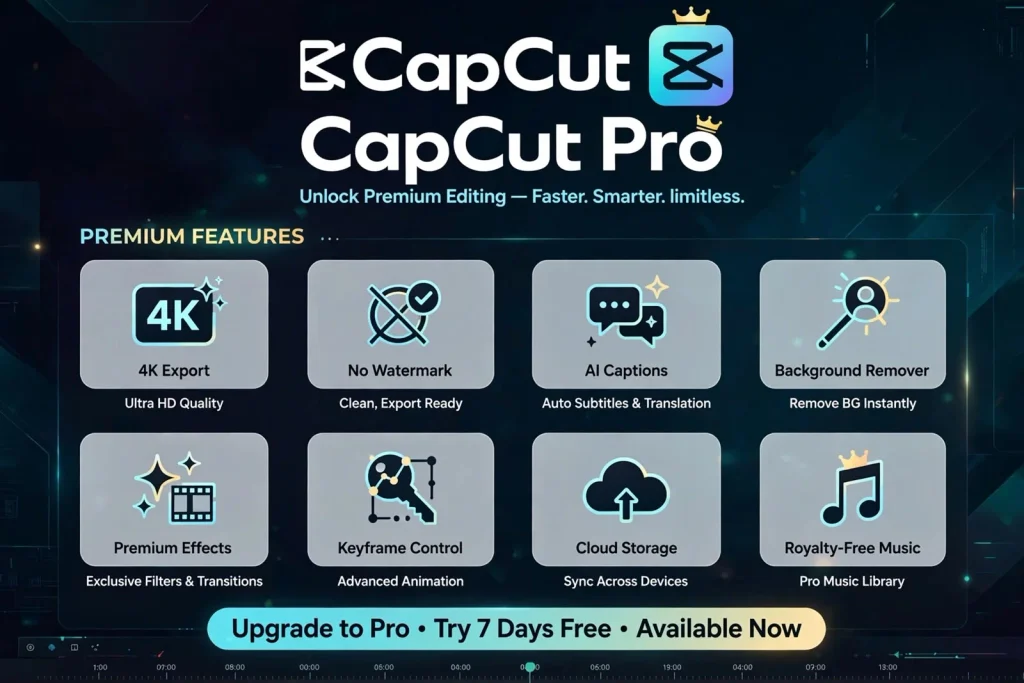
Key Features of CapCut pro Video Editor
1. Video Editing Tools
Trim, split, merge, and rearrange video clips to create a smooth and engaging final video. You can also adjust the speed of clips to match your preferred editing style.
2. Effects and Filters
Use visual effects, colour adjustments, and filters to change the appearance of your videos. Available options may differ by app version and region.
3. Templates and Transitions
Templates and transitions can help you create videos more quickly. Some templates and premium effects may require an account, payment, or an eligible subscription.
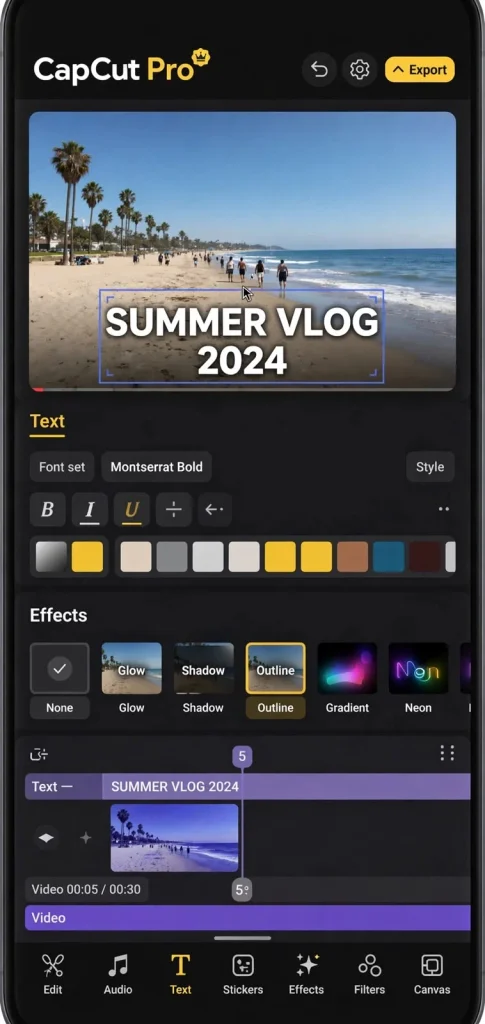
4. Text and Auto Captions
Add text, titles, subtitles, and captions to make your videos easier to understand. Automatic caption availability and language support can vary by version and region.
5. Audio and Music Editing
Add audio tracks, sound effects, and voice recordings to your projects. You can adjust audio levels to create a better balance between music and speech.
6. Video Export Options
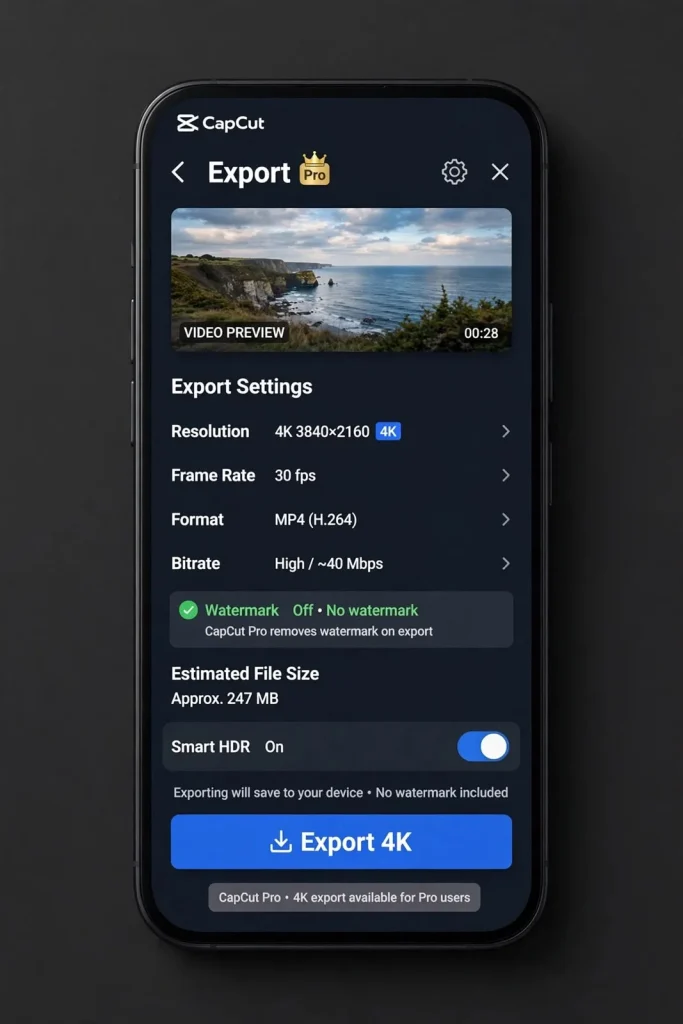
CapCut offers export settings for different video resolutions and formats. Available resolution and frame-rate options depend on your device, project settings, and app version.
What’s New in CapCut pro APK v13.2.0?
Before installing a specific version, check its release notes to confirm the changes included in that build. Features and updates may differ between official releases and modified APK files.
Potential areas to check include:
- New or updated editing effects
- Improvements to the editing interface
- Bug fixes and performance changes
- Additional fonts, filters, or templates
- Changes to export settings
CapCut pro APK – App Information
| App Detail | Information |
|---|---|
| App Name | CapCut pro |
| Version | 13.2.0 (as listed) |
| App Category | Video Editing |
| Platform | Android |
| APK Size | 11mb |
| Android Requirement | All Devices |
| Price | Free download may be available; some features may be paid |
| Developer | Verify through the official app listing |
How to Download CapCut pro on Android
Follow these steps to install CapCut using an official source:
- Open the Google Play Store on your Android phone.
- Search for CapCut.
- Check the app name and developer details.
- Tap Install if the app is available for your device.
- Wait for the installation to finish.
- Open CapCut and start creating your video.
If the app is unavailable in your region, check its official website for supported download options.
How to Install an APK File
If you choose to install an APK from another source, understand the risks before proceeding.
- Download only from a source you can verify.
- Review the file’s origin and scan it with a reputable security tool.
- Check the requested permissions before installation.
- Avoid files that request unnecessary access to contacts, messages, or other personal information.
- Do not enter sensitive account details into an untrusted or modified app.
You should not enable unknown-app installation permissions permanently. Modified APKs can contain malware, steal personal information, or stop working after an update.
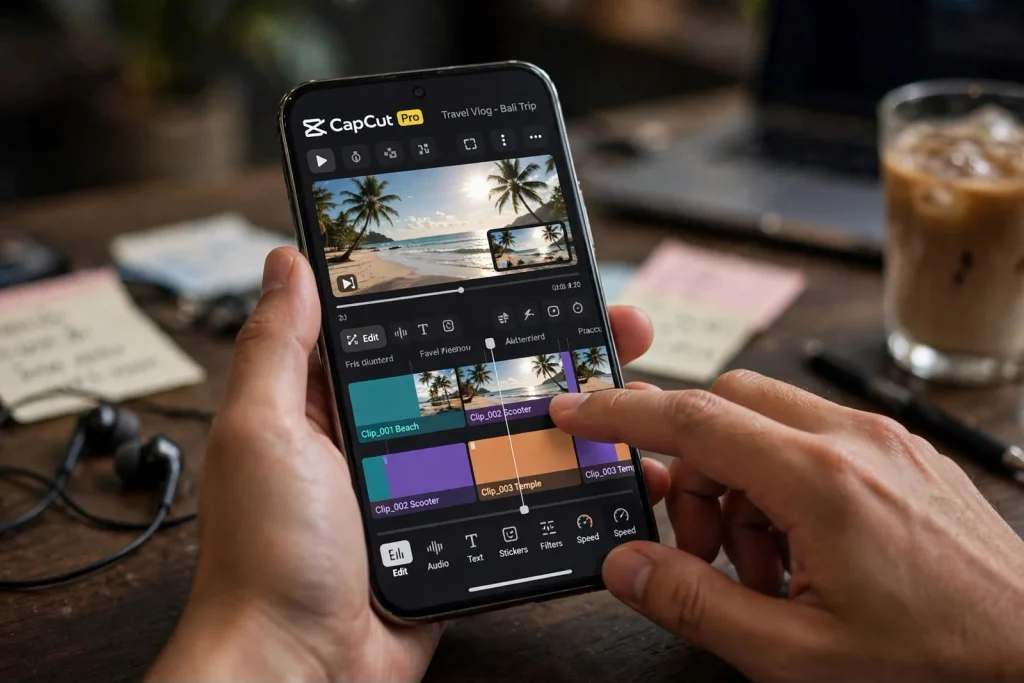
How to Edit Videos Using CapCut
1: Create a New Project
Open CapCut and select the videos or photos you want to edit.
2: Arrange Your Clips
Trim unwanted sections and arrange your clips in the correct order on the timeline.
3: Add Effects and Text
Choose suitable transitions, filters, titles, stickers, and other editing elements.
4: Add Music or Voice
Use available audio tools to add background music, sound effects, or voice recordings.
5: Preview and Export
Watch your video before exporting it. Select an available resolution and frame rate that suit your project and device.
Is CapCut Pro APK Safe to Use?
The safety of an APK depends on where it comes from and whether its contents have been verified. A modified APK advertised as “Premium Unlocked” is not necessarily official, secure, or malware-free.
Avoid trusting claims such as “100% safe” without reliable evidence. Modified versions may also expose your information, cause app crashes, or violate the app’s terms. The official version is generally the safer choice.
Can You Use CapCut pro on a PC?
CapCut pro may offer desktop editing options in supported regions and on compatible computers. Visit its official website to check current availability and system requirements.
Using an Android emulator is another possibility, but compatibility and performance can vary. Download emulators only from their official websites.
CapCut Pro Questions
Is CapCut Pro APK v13.2.0 free?
The official app may be available to download for free, while certain features require payment or a subscription. Premium access depends on the current official offering.
Does CapCut pro remove watermarks?
Watermark behaviour depends on the project, template, and app version. Check the export preview and the applicable settings before saving your video.
Does CapCut support 4K video export?
Export options depend on your device, project, and installed version. Check the available resolution settings within the app.
Can I use CapCut on a low-end Android phone?
Basic editing may work on some lower-end devices, but performance depends on available memory, storage, processor, and project complexity.
Where should I download CapCut?
Use the official Google Play Store listing or CapCut pro official website whenever possible. Avoid unknown download sources and unverified modified APKs.
Final Words
CapCut pro is a useful video editing app for creating social media videos, adding effects, editing audio, and improving your content. Its beginner-friendly interface makes it suitable for many types of users.
Before downloading CapCut pro APK v13.2.0, verify the version, file details, and source. Modified APK files advertised as premium unlocked cannot be guaranteed safe or reliable. For a more secure editing experience, use the official version and check its available features.
Download links
How to install CapCut Pro Latest Premium Unlocked Magical Powerful Editor APK?
1. Tap the downloaded CapCut Pro Latest Premium Unlocked Magical Powerful Editor APK file.
2. Touch install.
3. Follow the steps on the screen.